 YesDay
What RSVP is and why it matters so much
RSVP stands for the French Répondez s'il vous plaît ("please reply"). In a wedding context it is a request to confirm attendance. It sounds simple, but in practice collecting RSVPs becomes one of the most stressful parts of wedding planning.
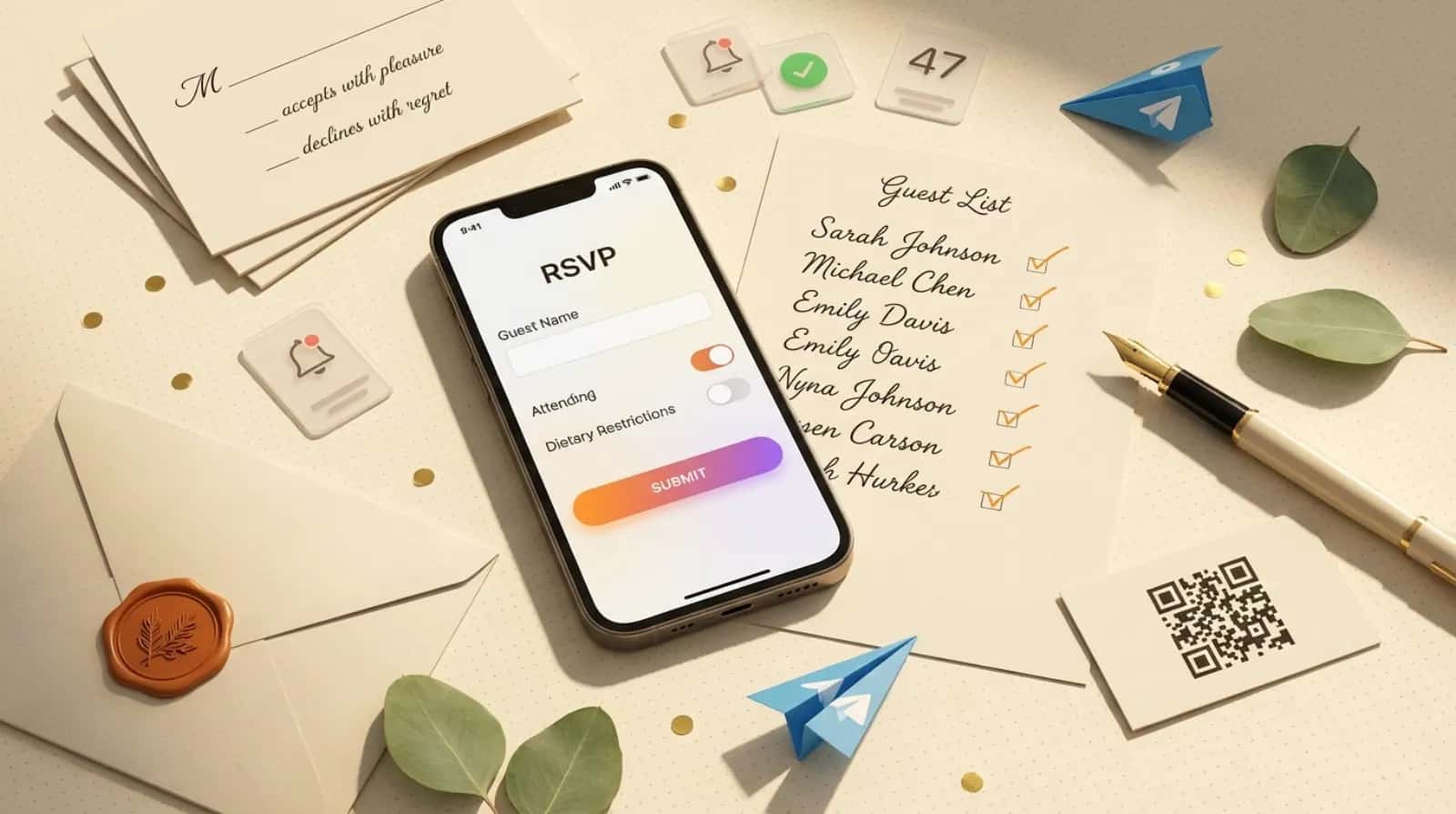
 A wedding invitation with an RSVP card
Why RSVP is critically important:
- Catering is counted per head. A difference of 10 guests = 50,000–100,000 ₽
- A seating plan is impossible without an exact list
- Transport — how many seats do you book on the bus?
- Favours — how many gifts do you prepare?
- Budget — every "extra" guest costs 5,000–15,000 ₽
5 ways to collect RSVPs
Option 1: WhatsApp / Telegram
Pros: everyone is already there, free, fast Cons: chaos. Messages get lost among stickers and voice notes. Someone replied "ok", someone "we'll think about it", someone simply hasn't read it.
"We collected RSVPs in WhatsApp. A week later I had 47 unread messages, 12 maybes and not a single clear answer. Never again." — Anna, bride of 2025
Option 2: Google Forms
Pros: free, replies are collected in a spreadsheet Cons: looks like a corporate survey, no personal style, no reminders
Option 3: Paper RSVP cards
Pros: a classic, tactile, part of the invitation Cons: expensive (printing + return postage), slow, they get lost, a reply cannot be edited
Option 4: Phoning everyone
Pros: a 100% response rate Cons: takes hours (with 80+ guests), and it is awkward to ask "are you definitely coming?"
Option 5: A wedding website with an RSVP form
Pros: beautiful, automated, all the data in one place, easy to send a reminder Cons: you need to create a website (but on YesDay that takes 5 minutes)
Why a wedding website is the best option
On YesDay the RSVP form is built into the wedding website. Here is how it works:
For the guest:
- They receive a link to the wedding website
- They see all the details: date, venue, dress code, map
- They tap "Confirm attendance"
- They fill in the form: name, plus-one, allergies, menu preferences, a comment
- Done — 30 seconds
For you:
- You see all the replies in real time
- Statistics: confirmed / declined / no reply
- The number of guests including plus-ones
- Dietary requirements for the caterer
- Telegram notifications about every new reply
- Automatic export to Google Sheets
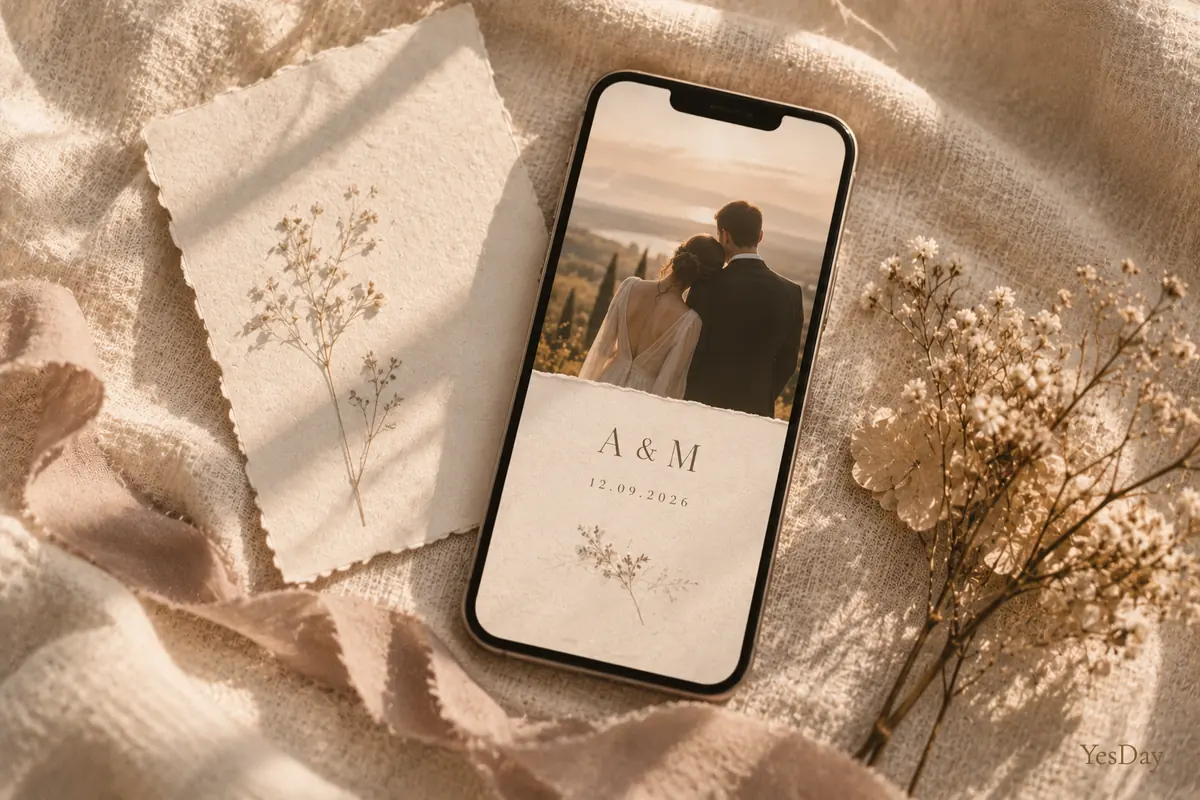 A smartphone screen showing a wedding website
Which questions to ask in the RSVP
Essential:
- First and last name
- Coming / Not coming / Not sure yet
- Number of guests (plus-one, children)
Recommended:
- Dietary requirements (vegetarian, allergies, halal)
- Drink preferences
- Do you need a transfer?
- Do you need accommodation?
- A song you would like to hear
Optional:
- Wishes for the couple
- A contact phone number (in case anything changes)
Timing: when to send and when to expect replies
| Stage | When | What to do |
|---|---|---|
| Save the date | 6–8 months before | Let people know the date |
| Invitation + RSVP | 2–3 months before | Send the link to the website |
| First reminder | 6 weeks before | "Don't forget to confirm!" |
| Second reminder | 3 weeks before | "We are finalising the list and waiting for your reply" |
| Deadline | 2 weeks before | "Please confirm by [date]" |
| Calling those who haven't replied | 10 days before | A personal call to the rest |
How to get a 100% reply rate: 7 tips
- Set a clear deadline — "Please confirm by 15 June". Without a deadline people put it off forever
- Make it easy — one link, 30 seconds. No sign-ups and no passwords
- Don't be shy about reminding — it is normal. You are planning an event and you need the data
- Use the Telegram bot — connect it on YesDay and get instant notifications
- Show that it matters — "We need your confirmation for the caterer"
- Offer options — "Coming / Not coming / Not sure yet" works better than "Yes / No"
- Call in person — if someone doesn't reply online, a 2-minute call settles it
What to do with "maybe"
Every "maybe" is a headache for the organiser. Our recommendations:
- Count a "maybe" as coming when ordering food (an extra portion is better than a hungry guest)
- A week after the "maybe", write personally: "We would really love to see you, but we need a definite answer by [date]"
- Set a final deadline after which "maybe" = "not coming"
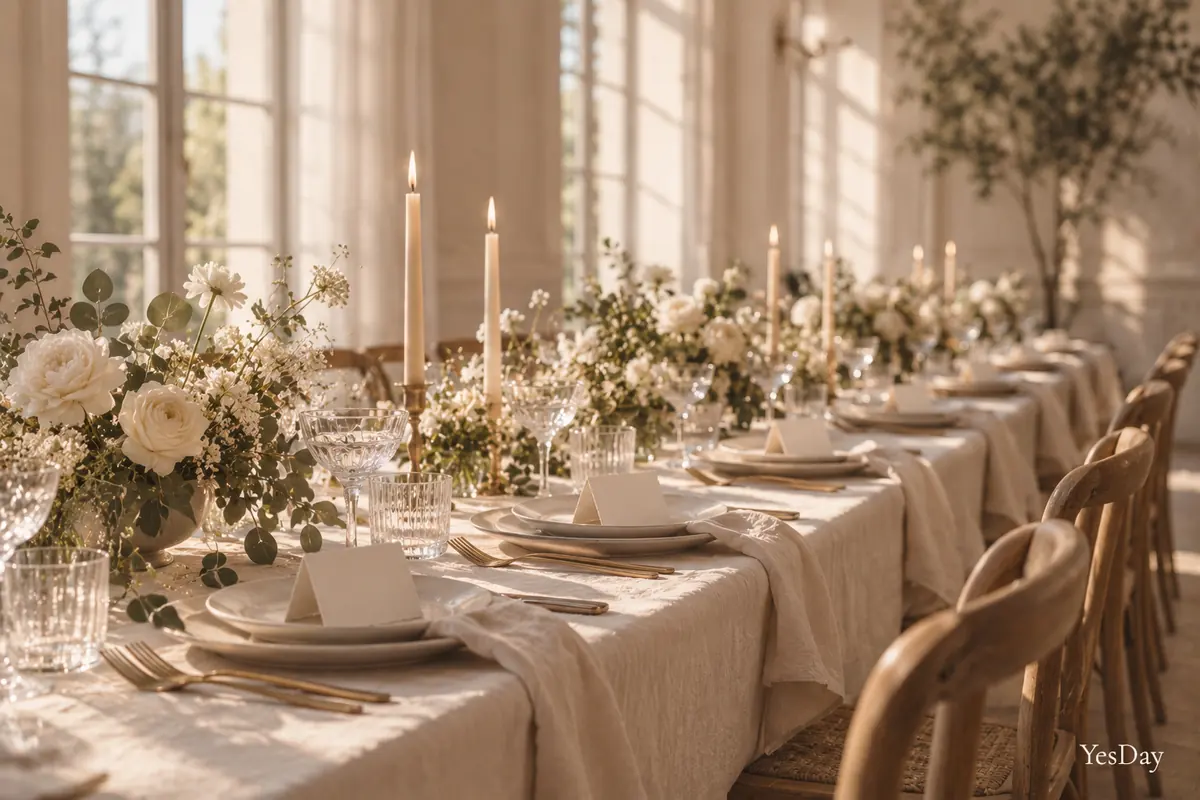 A beautiful seating arrangement at a wedding
RSVP on YesDay: step by step
- Create a wedding website — choose a design, enter your email, fill in the details
- Turn on the RSVP section — it is already there in every design
- Set up the fields — choose which questions to ask
- Publish the website — you will get a link like
your-names.yesday-wed.ru - Send it to your guests — via messengers, email or a QR code
- Follow the replies — in your dashboard or through the Telegram bot
Bonus: automatic export to Google Sheets
Connect Google Sheets and every new RSVP is added to the spreadsheet automatically. Handy for working together with your coordinator or caterer.
Start collecting RSVPs right now — create a wedding website on YesDay in 5 minutes!